Tune into two stations playing the same song and one may sound crisp and full while the other sounds thin or “swishy”. Most of that difference comes from how the station encodes its stream. Here is what the jargon means and what you can do about it.
What is bitrate?
Bitrate is how much data a stream uses each second, measured in kilobits per second (kbps). More data means more detail can be kept, so higher bitrates generally sound better. But the format (codec) matters just as much as the number.
The common formats
| Format | What it is | Sounds good from about |
|---|---|---|
| MP3 | The oldest and most widely supported format | 128 kbps; very good at 192 to 320 kbps |
| AAC | A newer format that is more efficient than MP3 | 96 to 128 kbps |
| HE-AAC (AAC+) | A version of AAC built for low bitrates | 48 to 64 kbps, ideal for mobile |
| Opus | A modern open format used by some stations and apps | Low to medium bitrates |
| FLAC | Lossless, CD quality; offered by a small number of stations | Much higher bitrates (uses far more data) |
As a rough rule, a 64 kbps HE-AAC stream can sound similar to a 128 kbps MP3, at half the data. That is why many stations use AAC for their mobile streams.
What bitrate is “good enough”?
- Talk, news and sports: 32 to 64 kbps is fine. Speech does not need much detail.
- Music on a phone or in the car: 64 kbps AAC or 128 kbps MP3 sounds good to most listeners.
- Music on good speakers or headphones: 128 kbps AAC, or 192 kbps MP3 and up, is where streams start to sound really clean.
Above about 256 to 320 kbps, most people cannot hear a difference in normal listening.
Why the same bitrate can sound different
- Processing: many stations use heavy audio processing to sound loud and punchy. Some listeners love it; others find it tiring.
- Source quality: a station playing old recordings or low-quality files will not sound better because of a high bitrate.
- Mono vs stereo: some talk stations stream in mono to save data.
- Your connection: on a weak connection, some players switch to a lower-quality stream automatically or buffer.
Get better sound at your end
- Choose the highest stream the station offers when you are on Wi-Fi.
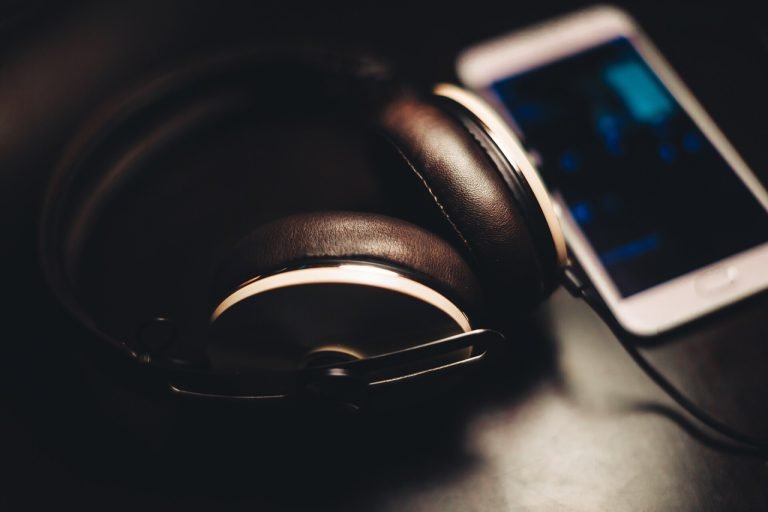
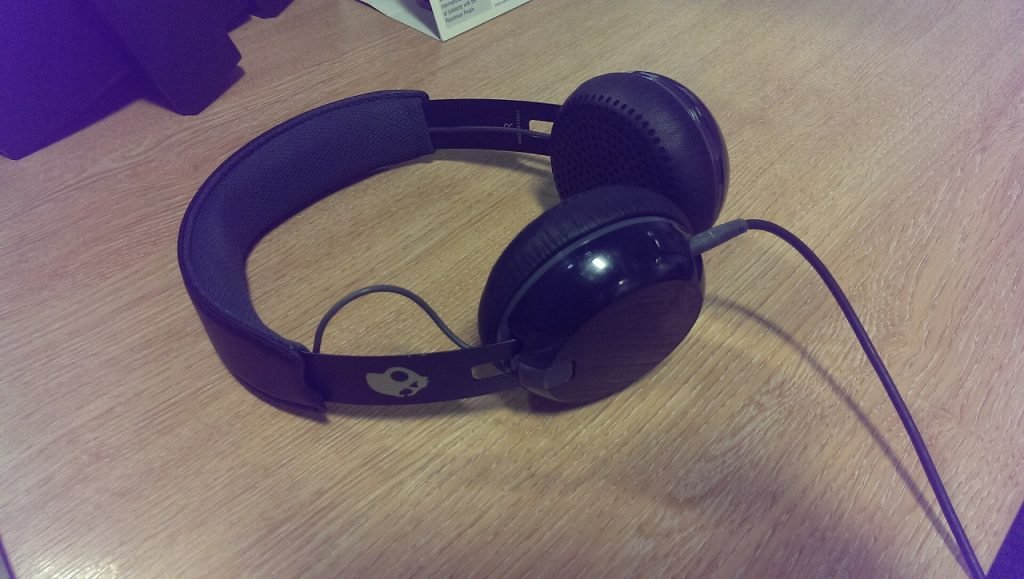
- Upgrade the speaker or headphones. Even a modest pair of headphones sounds much better than a laptop speaker or phone speaker.
- Use a wired connection or a good Bluetooth codec if your devices support it.
- Turn off “sound enhancers” on your device if the station already sounds heavily processed.
- Keep the volume sensible. Loud listening exaggerates the flaws of low-bitrate streams, and it is not good for your ears.
Does quality affect data use?
Yes. Higher bitrates use more data. A 320 kbps stream uses about 144 MB an hour, while 64 kbps uses about 29 MB. See how much data online radio uses for a full table.
Frequently asked questions
Why does a station sound worse on my phone than on my computer?
Some stations send a lower-bitrate mobile stream to phones. It also may simply be the speaker. Try the same stream with headphones.
Is FM radio better quality than online radio?
A good online stream at 128 kbps AAC or more usually sounds as good as or better than FM, with no static or fading. Low-bitrate streams can sound worse than a strong FM signal.
Find stations by style, such as classical, jazz or rock, and judge the sound for yourself in our online radio directory.
Photo: Lirazelf, Wikimedia Commons, CC BY-SA 3.0